
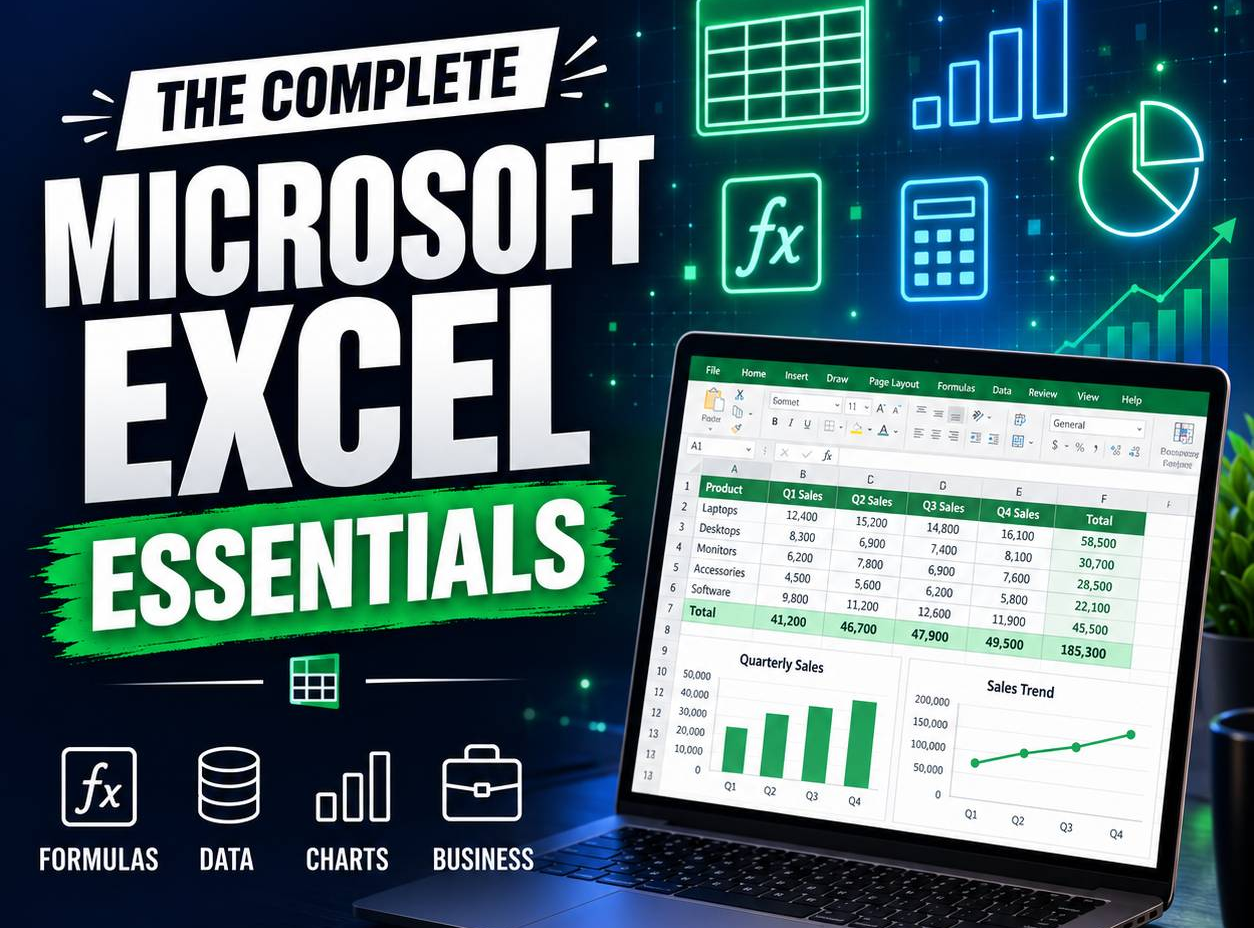
Excel for Everyday Business

Wishlist Share

About Course

A complete beginner course for organising data, calculating accurately, analysing results and building useful business workbooks.

What Will You Learn?

  • Enter and organise clean business data.
  • Write formulas using correct references.
  • Use essential business functions.
  • Create tables, charts and PivotTables.
  • Validate, protect and print workbooks.
  • Build a complete business-tracking workbook.

Course Content

Topic 1: Excel Foundations and Data Entry
<p>Understanding cells, worksheets and reliable data-entry habits.</p>

  • Lesson 1.1: Workbook, Worksheet, Row, Column and Cell
  • Lesson 1.2: Entering and Editing Data
  • Lesson 1.3: Saving, Navigating and Filling Series
  • Topic 1 Guided Skills Assignment
  • Topic 1 Applied Assignment
  • Topic 1 Knowledge Test

Topic 2: Formulas and Cell References
<p>Calculating results and understanding how formulas copy.</p>

Topic 3: Essential Business Functions
<p>Using tested functions for totals, decisions and text.</p>

Topic 4: Cleaning and Controlling Data
<p>Preventing errors through validation and deliberate cleanup.</p>

Topic 5: Excel Tables and Structured Lists
<p>Turning raw ranges into manageable business records.</p>

Topic 6: Charts and Business Communication
<p>Selecting visual forms that answer a question.</p>

Topic 7: PivotTables and Practical Analysis
<p>Summarising large lists without rewriting formulas.</p>

Topic 8: Business Workbook Capstone
<p>Combining design, calculation, control and reporting.</p>

Final Assessment and Course Completion
<p>Combining design, calculation, control and reporting.</p>

Earn a certificate

Add this certificate to your resume to demonstrate your skills & increase your chances of getting noticed.

selected template

Student Ratings & Reviews

No Review Yet
No Review Yet