
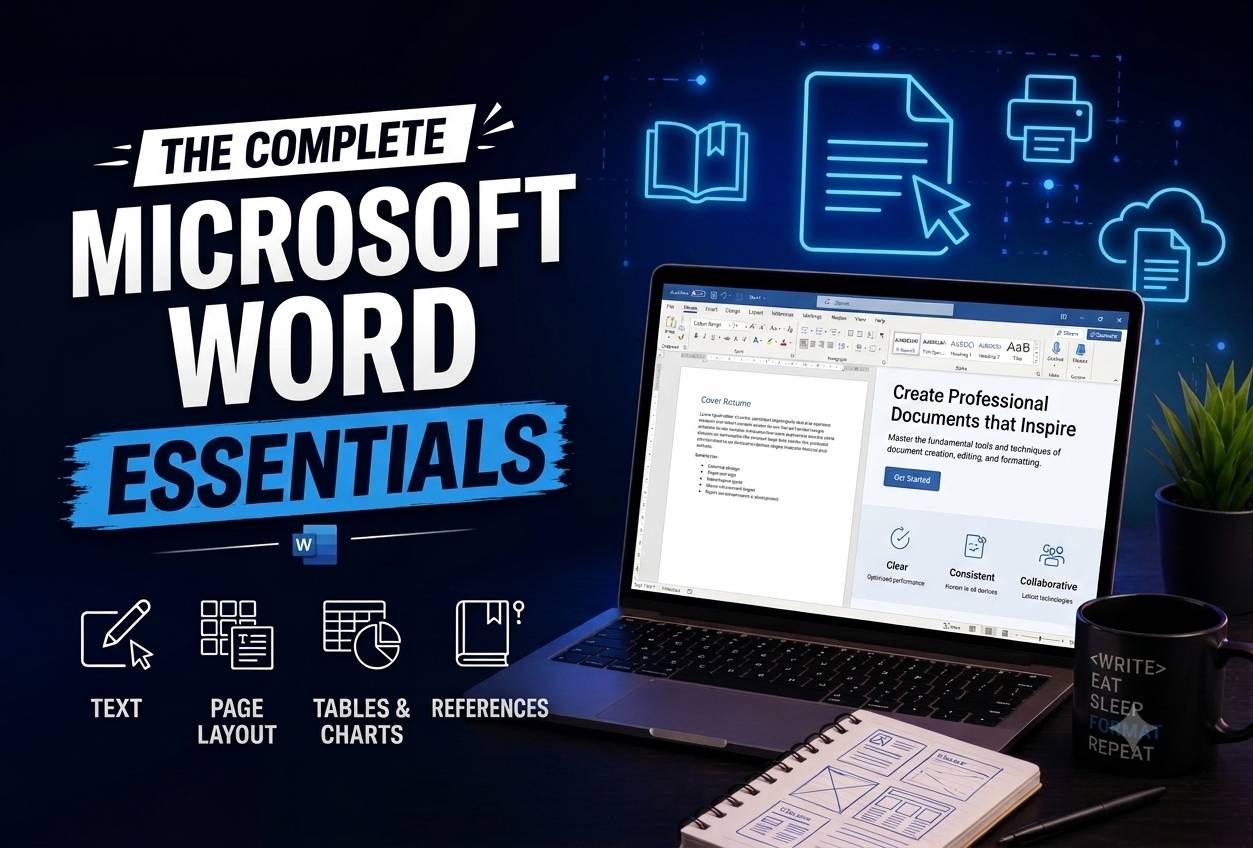
Microsoft Word for Everyday Business

Wishlist Share

About Course

A complete beginner-to-business course in creating, formatting, reviewing and distributing professional Word documents.

What Will You Learn?

  • Create, save and manage professional Word documents.
  • Format text and pages consistently using styles.
  • Build tables, reports, forms and long documents.
  • Collaborate using comments and Track Changes.
  • Create personalised documents with mail merge.
  • Produce an accessible business-document portfolio.

Course Content

Topic 1: Getting Started with Word
<p>Understanding the Word workspace and controlling document files.</p>

  • Lesson 1.1: The Word Window and Ribbon
  • Lesson 1.2: Creating, Opening and Saving Documents
  • Lesson 1.3: Navigation, Views and Zoom
  • Topic 1 Guided Skills Assignment
  • Topic 1 Applied Assignment
  • Topic 1 Knowledge Test

Topic 2: Entering and Editing Text
<p>Writing efficiently and correcting content without damaging layout.</p>

Topic 3: Professional Formatting and Styles
<p>Building readable documents with consistent visual hierarchy.</p>

Topic 4: Page Layout and Sections
<p>Controlling pages, headers, columns and orientation.</p>

Topic 5: Tables, Pictures and Visual Content
<p>Presenting structured information clearly and accessibly.</p>

Topic 6: Reports and Long Documents
<p>Using structure and automated navigation in substantial documents.</p>

Topic 7: Collaboration, Accessibility and Protection
<p>Reviewing work safely with colleagues and readers.</p>

Topic 8: Mail Merge and Business Portfolio
<p>Producing personalised documents and proving complete workplace competence.</p>

Final Assessment and Course Completion
<p>Producing personalised documents and proving complete workplace competence.</p>

Earn a certificate

Add this certificate to your resume to demonstrate your skills & increase your chances of getting noticed.
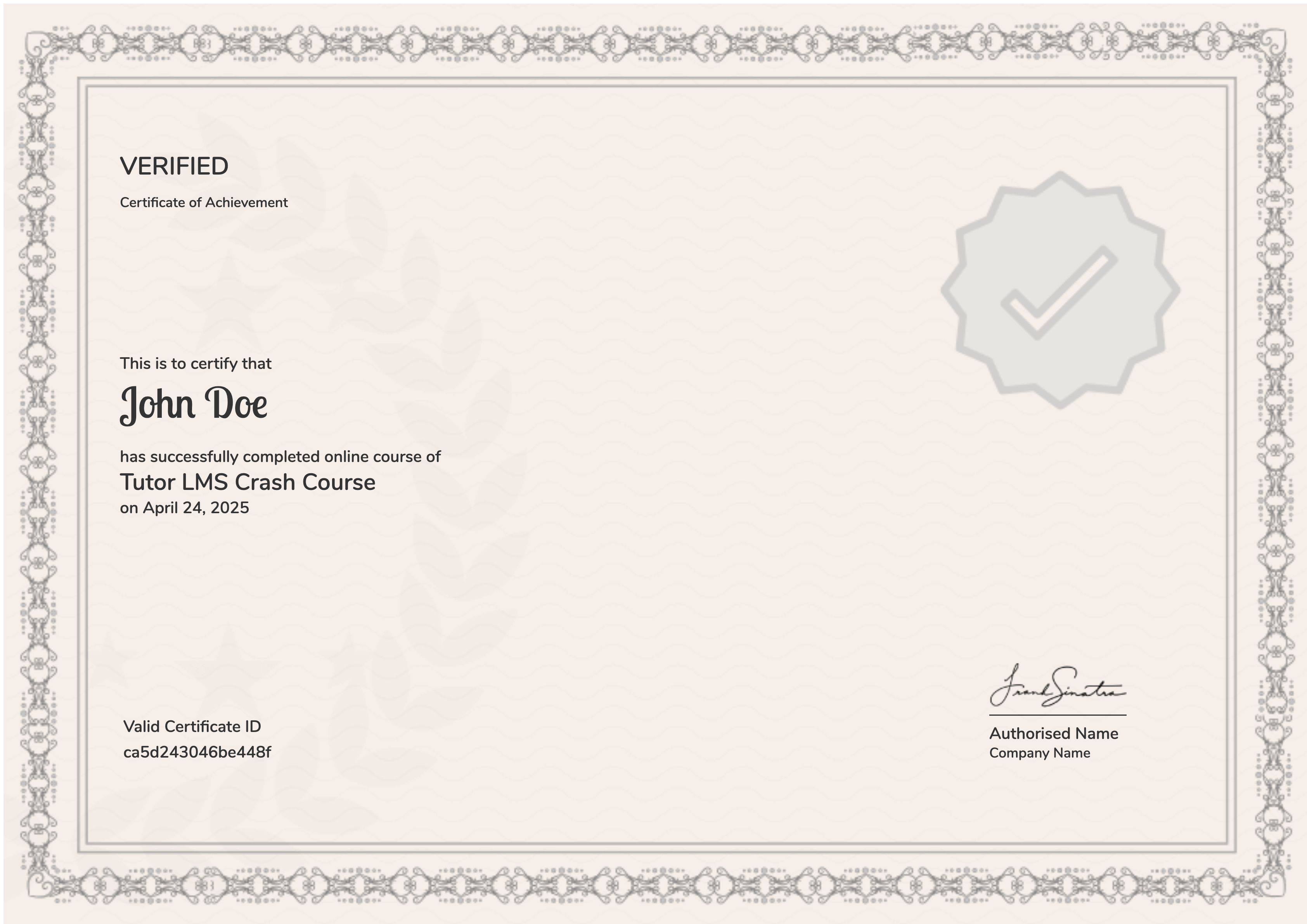
selected template

Student Ratings & Reviews

No Review Yet
No Review Yet