
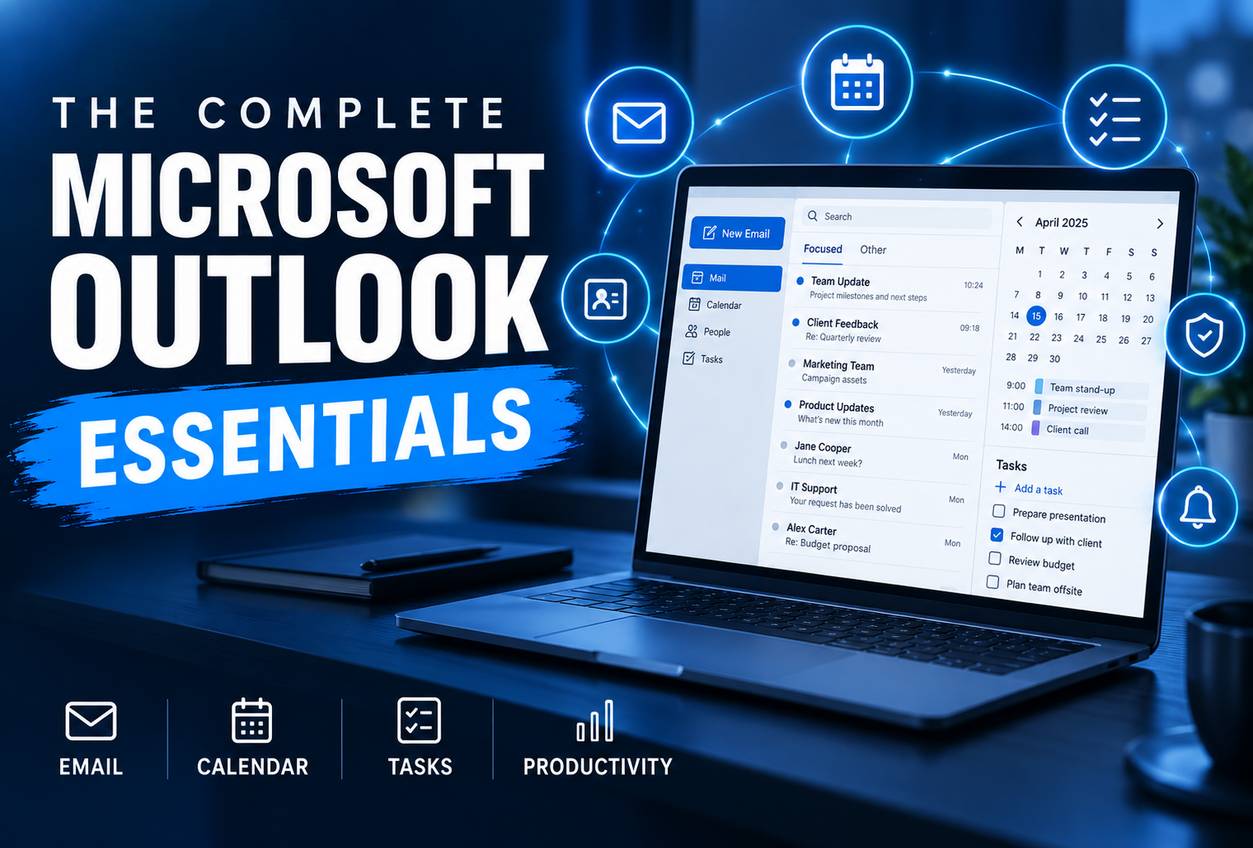
Outlook for Professional Productivity

About Course

A practical beginner course in managing email, calendars, contacts, tasks and professional communication in Outlook.

What Will You Learn?

  • Write and manage professional email.
  • Organise inboxes with folders, categories and search.
  • Use rules and Quick Steps safely.
  • Schedule meetings and shared calendars.
  • Manage contacts, tasks and follow-up.
  • Create a complete personal productivity system.

Course Content

Topic 1: Outlook Setup and Navigation
<p>Understanding mail, calendar, people and tasks.</p>

  • Lesson 1.1: Accounts, Folders and the Outlook Window
  • Lesson 1.2: Reading, Replying and Conversation View
  • Lesson 1.3: Settings, Signatures and Notifications
  • Topic 1 Guided Skills Assignment
  • Topic 1 Applied Assignment
  • Topic 1 Knowledge Test

Topic 2: Professional Email
<p>Writing messages that make action and responsibility clear.</p>

Topic 3: Inbox Organisation and Search
<p>Finding important communication without creating folder chaos.</p>

Topic 4: Rules, Quick Steps and Automation
<p>Automating predictable actions while keeping control.</p>

Topic 5: Calendar and Meetings
<p>Scheduling realistic commitments and productive meetings.</p>

Topic 6: Contacts, Tasks and Follow-up
<p>Turning communication into organised commitments.</p>

Topic 7: Collaboration, Security and Etiquette
<p>Using Outlook safely in a professional environment.</p>

Topic 8: Personal Productivity Capstone
<p>Integrating email, calendar, tasks and review.</p>

Final Assessment and Course Completion
<p>Integrating email, calendar, tasks and review.</p>

Earn a certificate

Add this certificate to your resume to demonstrate your skills & increase your chances of getting noticed.
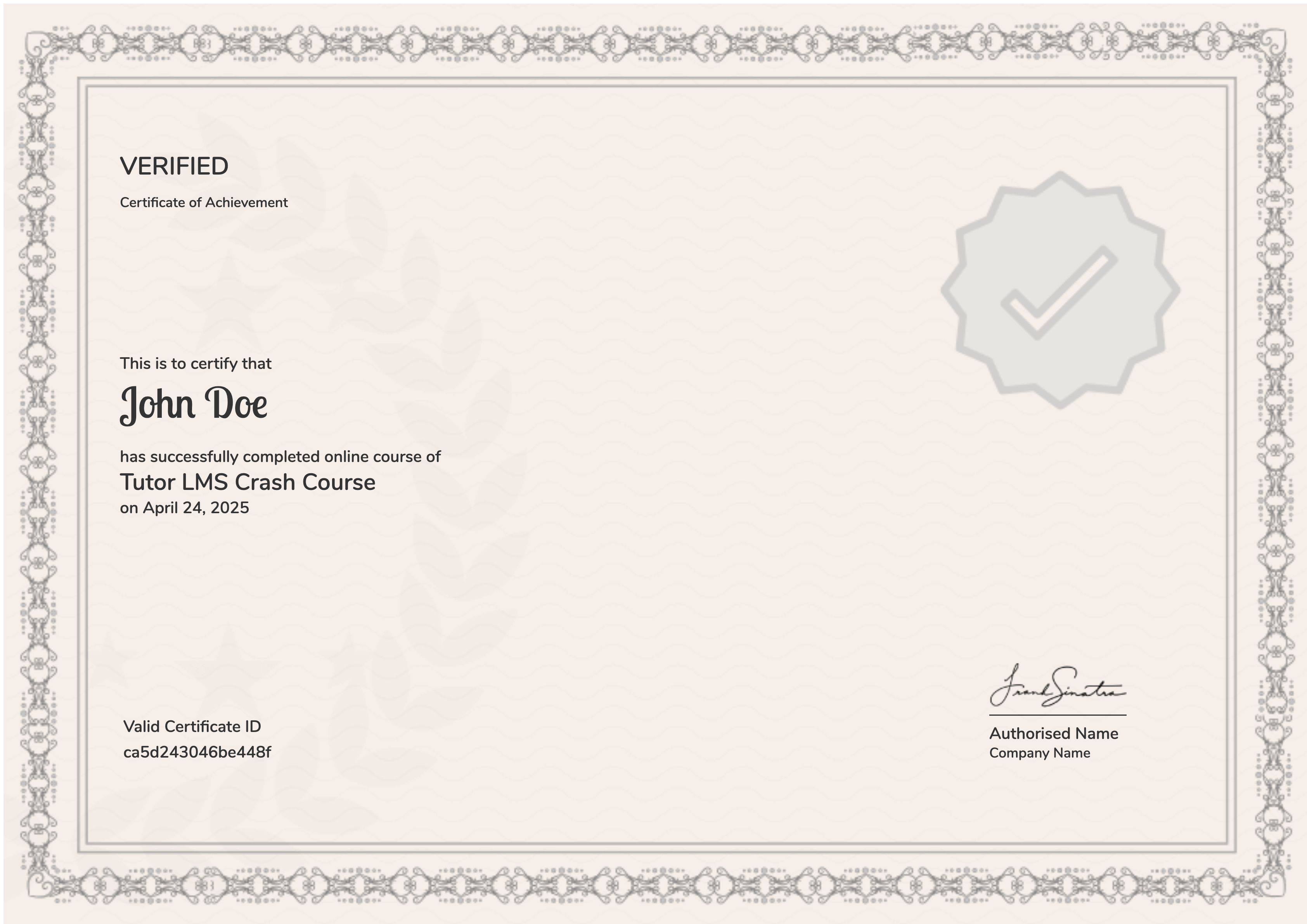
selected template

Student Ratings & Reviews

No Review Yet
No Review Yet